


Description
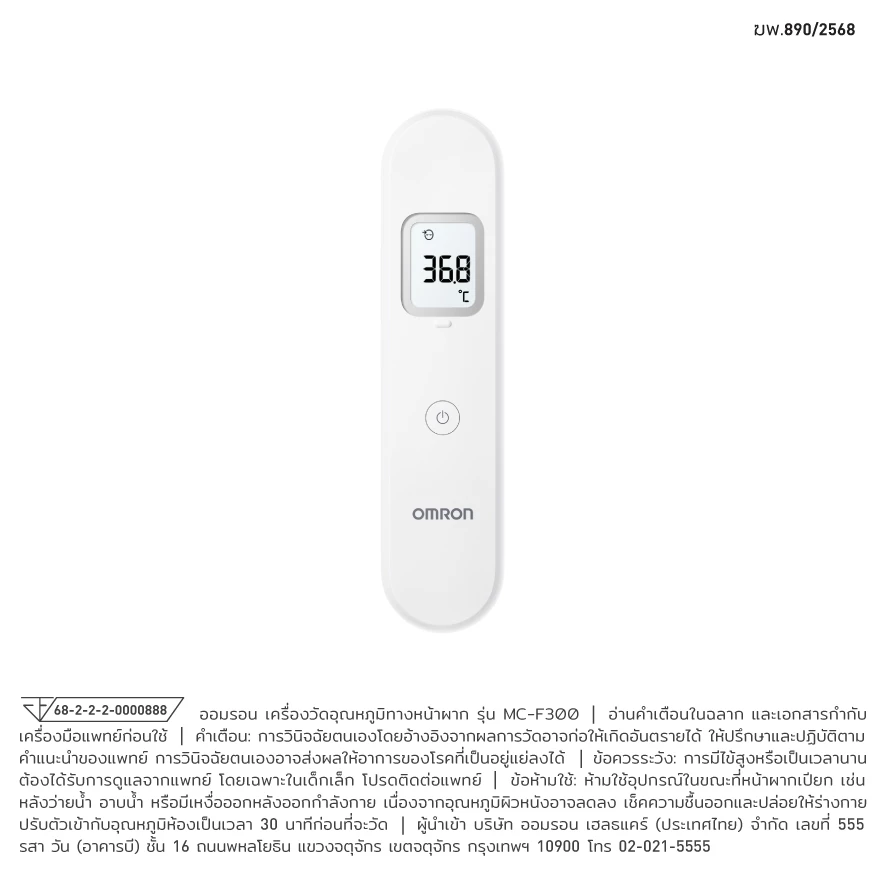
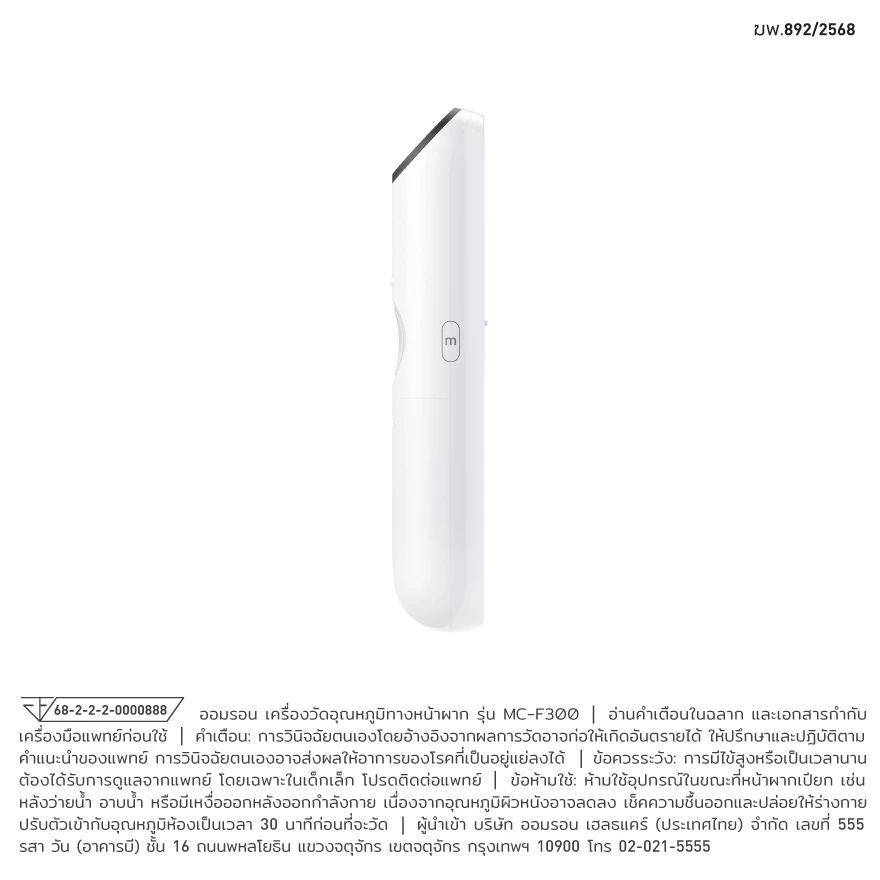
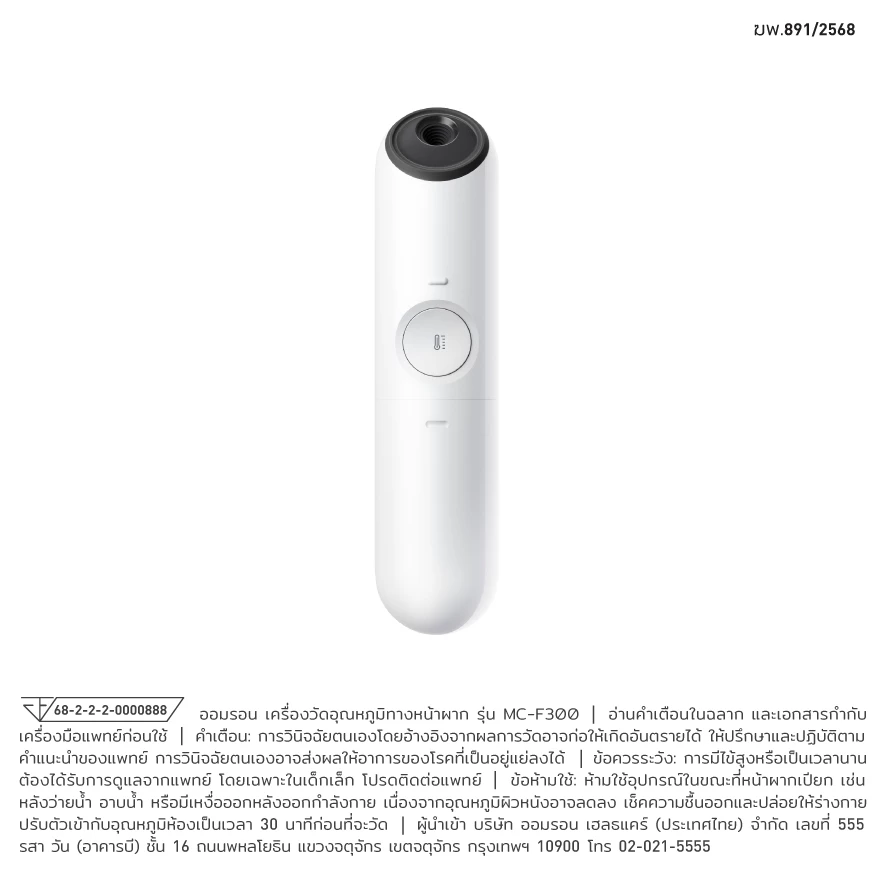
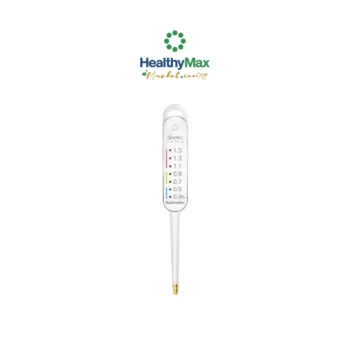
OMRON Forehead Thermometer MC-F300
OMRON Forehead Thermometer MC-F300
Forehead Thermometer
The MC-F300 features an intelligent distance sensor that helps guide you to the optimal measuring distance for accurate readings, allowing quick temperature checks in just 1 second.
How to Use the Thermometer
1. Gently remove the sensor cap.
– If the sensor cap is still attached, the thermometer may not measure temperature accurately.
2. Press the [Power] button.
– All symbols will appear on the display for approximately 3 seconds.
– When the “°C” (or “°F”) symbol flashes, the thermometer is ready for measurement.
– Note: If a previous measurement is stored, the thermometer will display it first and then enter measurement-ready mode.
3. Point the sensor toward the forehead.
– When the sensor is positioned at the appropriate measuring distance, approximately 3 cm from the forehead, the thermometer will emit 2 short beeps.
– Note: Make sure the sensor is clean and undamaged, and that the forehead is free from sweat, cosmetics, or wounds.
4. Press the [Measure] button to start the measurement.
– The measurement will be completed within 1 second, followed by a long beep.
5. Check the measurement result.
– After 1 second, the “°C” (or “°F”) symbol will flash, indicating that the thermometer is ready for the next measurement.
– To take another temperature measurement immediately, repeat the procedure from Step 3.
6. Press the [Power] button to turn off the thermometer.
– The thermometer will emit one short beep when turned off.
– The thermometer will automatically turn off if no button is pressed for 30 seconds.
– After use, replace the sensor cap to help protect the OMRON sensor.
ฆพ. 890/2568
68-2-2-2-0000888


Reviews
There are no reviews yet.